

3 Best Practices To Implement Machine Monitoring
Whether you have seven machines or 70 pieces of equipment on your floor, there are best practices that manufacturers across industries can apply to get the most out of your …
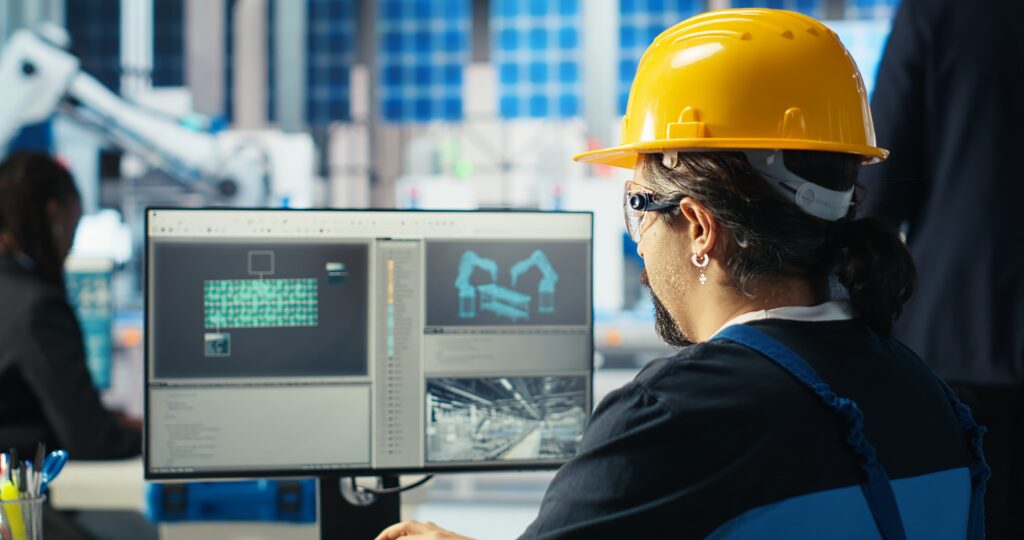
Your manufacturing operation depends on two critical data streams: product data (CAD files, drawings, BOMs) and production data (CNC programs, revisions, machine execution history).
When these systems are disconnected, you’re forced to rely on employee knowledge/memory, shared drives or spreadsheets to piece together your operations, which can create risk, inefficiency and costly mistakes.
Shop Floor Automations (SFA), as a leading, U.S.-based manufacturing systems integrator, helps you to organize, manage and control production data by connecting engineering systems, like SolidWorks, with shop floor execution through production data management and DNC solutions to give you a closed-loop system where the right program, revision and data set reaches the right machine – every time.
The traditional means of utilizing spreadsheets, shared folders, USB drives and manual processes to manage CNC programs and related documentation may seem “good enough,” they can introduce serious operational and compliance risks:

To operate efficiently and compliantly, manufacturers must unify product and production data into a controlled system.

Bring together CAD files, drawings and Bills of Materials (BOMs), engineering revisions and approvals, CNC programs, setup sheets and documentation into a structured, searchable system.
Ensure only approved program versions are available, with full revision history, permissions and change tracking.
Automatically distribute validated CNC programs to machines via DNC to eliminate manual transfers and errors.
Standardize how production files and documentation are stored, managed and delivered across machines, departments and facilities.
Bring together CAD files, drawings and Bills of Materials (BOMs), engineering revisions and approvals, CNC programs, setup sheets and documentation into a structured, searchable system.
Ensure only approved program versions are available, with full revision history, permissions and change tracking.
Automatically distribute validated CNC programs to machines via DNC to eliminate manual transfers and errors.
Standardize how production files and documentation are stored, managed and delivered across machines, departments and facilities.
Shop Floor Automations helps manufacturers create a controlled production data ecosystem where engineering and shop floor systems stay in sync—ensuring every CNC program, file, and revision is accurate, traceable, and compliant. By combining PDM and DNC technologies, SFA reduces errors, supports compliance, and brings confidence to production execution.
Predator PDM is purpose-built to manage production data, not just engineering files.
It complements systems like Autodesk and SolidWorks by managing what happens after design on the shop floor.
Key capabilities:

Once your CNC program is approved and validated, Predator DNC ensures controlled delivery to machines.
Key capabilities:
When product and production data are unified and controlled:
Discover connectivity hardware that helps manufacturers securely connect, modernize and scale machine communications.
Browse SFA software solutions for CNC communication, machine monitoring and manufacturing process optimization.
Explore SFA services designed to help manufacturers implement, connect and optimize their shop floor technologies.
SFA supports on-premise, cloud and hybrid deployments for Predator PDM and DNC systems.
On-Premise
Cloud/Hybrid
SFA helps determine the right architecture based on your compliance, IT and operational requirements.
An SFA manufacturing systems expert evaluates your current data flow, systems and compliance objectives.
Your CAD/CAM, PDM and DNC integration strategy is defined and finalized.
Utilizing the hardware, software and service resources of SFA, equipment is properly connected, software and related workflows are configured and systems are fully integrated based on your IT protocol.
An SFA technician will ensure revision control, traceability and machine connectivity is established with expected results.
For team trainings, documentation and ongoing troubleshooting and support, Shop Floor Automations offers U.S.-based assistance to ensure systems integration continuity.
An SFA manufacturing systems expert evaluates your current data flow, systems and compliance objectives.
Your CAD/CAM, PDM and DNC integration strategy is defined and finalized.
Utilizing the hardware, software and service resources of SFA, equipment is properly connected, software and related workflows are configured and systems are fully integrated based on your IT protocol.
An SFA technician will ensure revision control, traceability and machine connectivity is established with expected results.
For team trainings, documentation and ongoing troubleshooting and support, Shop Floor Automations offers U.S.-based assistance to ensure systems integration continuity.
Whether you have seven machines or 70 pieces of equipment on your floor, there are best practices that manufacturers across industries can apply to get the most out of your …

Improve Lean Production Operations With Data Collection “Cloud” applications can be found virtually everywhere today, and for good reason. Join us on April 14th at 12:00 p.m. PST to learn how …
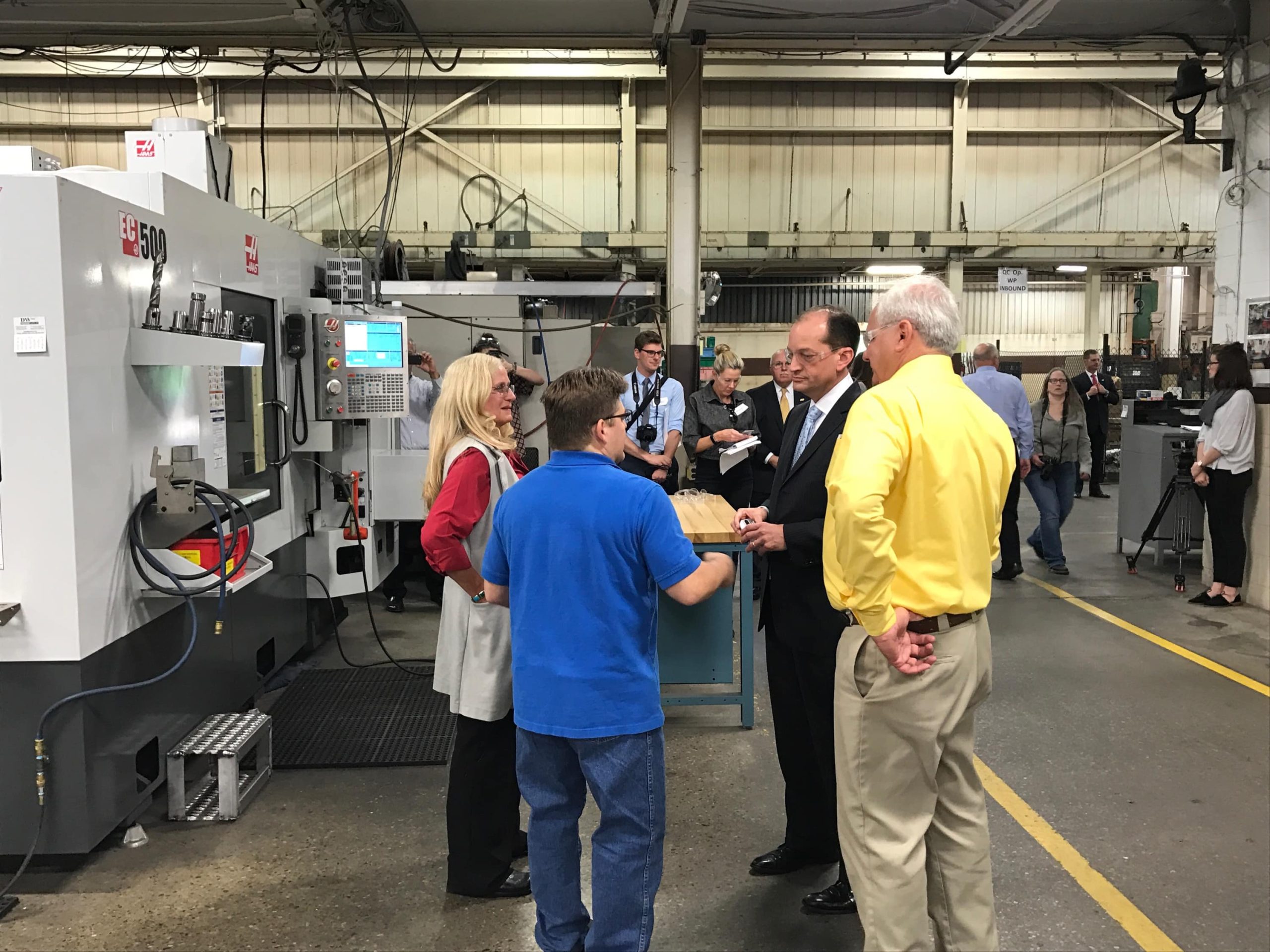
Last year was quite successful for American manufacturing. The National Association of Manufacturers (NAM) Fourth Quarter survey from December of 2017 confirms it. 94.6% of those surveyed in December said …
 SMART MANUFACTURING TAKES FLIGHT
The indicators to diversify your customer base can present themselves in many ways to a company.
Read More PUTTING THE PRESSURE ON DOWNTIME
MOGAS is a leading manufacturer of severe service ball valves for extreme industrial applications – industries such as nuclear, petrochemical and mining rely on the company for their four decades of field and manufacturing experience with harsh plant conditions
Read MoreContent will be updated soon!
Product data typically includes CAD designs, drawings and Bills of Materials (BOMs) created by engineering. Production data refers to the shop floor assets, like CNC programs, machine offsets, and revision histories, used to physically produce parts. When these two data types are connected, production accuracy and efficiency improve dramatically.
Disconnection between engineering and the shop floor often leads to outdated programs being run, missing revision history, compliance issues (such as ISO or ITAR risk), and increased scrap or rework due to human error in data handoffs.
PDM software, like Predator PDM, centralizes manufacturing data in a secure vault with full revision control, automated approvals and SolidWorks integration. It creates a controlled environment where only approved versions are available and every change or access is logged for complete traceability.
Robust DNC software, such as Predator DNC, automates the secure delivery of validated CNC programs directly to the correct machines. By removing USB drives, shared folders, and manual transfers, it eliminates errors and provides a full audit trail, which is essential for manufacturers seeking compliance with ISO, ITAR, and CMMC.
Aerospace, defense, automotive, and precision manufacturing sectors benefit most, as they require strict revision control, machine traceability and compliance documentation. However, any CNC-based operation can improve quality and efficiency with this approach.
Not necessarily. SFA offers on-premise deployments for secure, ITAR/CMMC-compliant environments and cloud or hybrid options for multi-site access and scalability. The right architecture depends on your IT policies and compliance requirements.
Yes. SFA specializes in integrating Predator software with leading CAD/CAM platforms like SolidWorks, Autodesk, and Solid Edge, as well as ERP systems, to ensure consistent data flow from design through production execution.