

View, Edit and Compare G-Code Programs with Confidence and Control
CNC Program Editing • File Comparison • Error Prevention
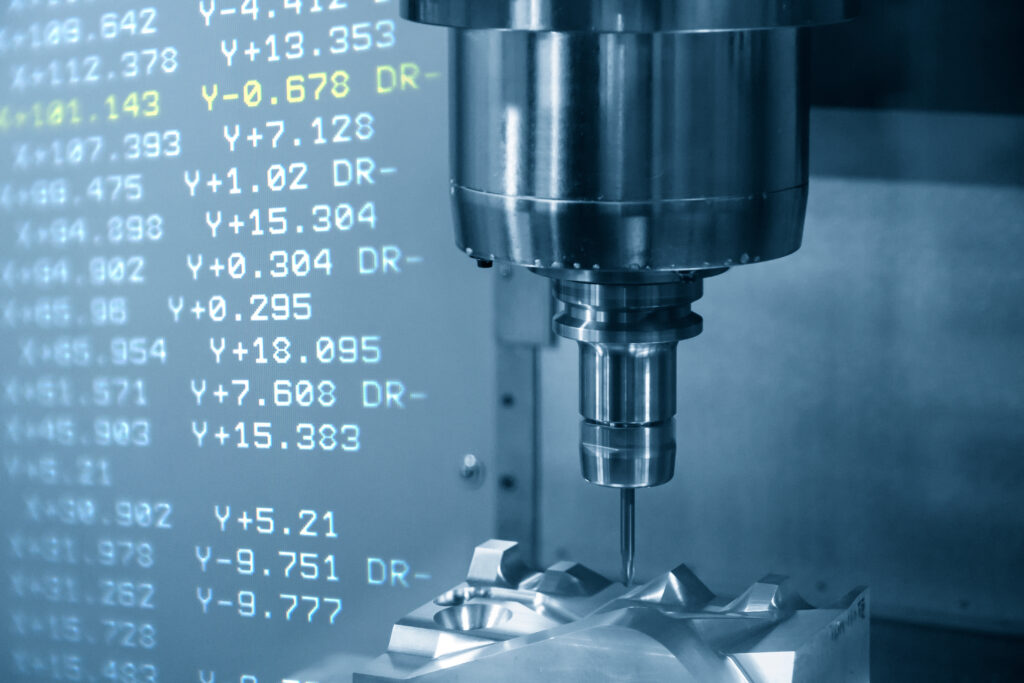
Every CNC machine on your shop floor runs on G-code, but not every company has a reliable way to view, validate and compare those programs before they reach production. Even small inconsistencies between program revisions can lead to scrap, rework, machine crashes or missed delivery timelines.
Whether you’re troubleshooting a production issue, validating engineering changes or standardizing programming workflows across your operation, SFA delivers the software, hardware and expertise to bring structure and trust in your CNC programming process.
Without Clear G-Code Comparison, More Revisions Can Mean More Errors
Most manufacturers know that CNC program errors are costly. The root cause is often a lack of visibility and control over program changes, particularly without the right tools and processes. The end result leaves teams dealing with:

Multiple versions of G-code programs stored across shared drives or local machines
No clear way to compare revisions line-by-line to identify changes
Manual edits made without validation or documentation
Operators running outdated or incorrect program versions
Time-consuming troubleshooting when production issues arise
Limited traceability between engineering updates and shop floor execution
The Ability to View, Edit and Compare G-Code in Production
This ability goes far beyond basic text editing to form a critical layer of quality control within your CNC programming workflow.

View: Clearly Read and Understand CNC Programs
Gain full visibility into your G-code programs with tools designed specifically for manufacturing environments, such as:
- Syntax highlighting for easier program readability
- Support for large and complex CNC files
- Multi-window viewing for side-by-side program analysis
- Faster troubleshooting and program validation

Edit: Make Accurate, Controlled Program Changes
Modify CNC programs with confidence using purpose-built editing tools:
- Safe, structured editing of G-code programs
- Reduced risk of syntax errors and formatting issues
- Faster implementation of engineering changes
- Standardized editing practices across teams

Compare: Identify Differences Between Program Revisions
Quickly detect and validate changes between program versions, like:
- Line-by-line comparison of G-code files
- Highlighted differences for immediate visibility
- Validation of engineering updates before release
- Prevention of wrong-revision machining events

Connect: Ensure the Right Program Reaches the Machine
Tie editing and comparison directly into controlled program distribution for complete:
- Integration with DNC systems
- Send, receive and drip feed programs with full versions of editors
- Works great for laptops and a need to transfer programs
The SFA Solution Suite: Software, Hardware and Services for CNC Program Control
Shop Floor Automations delivers a complete ecosystem to support viewing, editing, comparing and controlling CNC programs - from engineering to machine execution.
Predator Editor: Advanced G-Code Viewing, Editing & Comparison
Predator Editor is a purpose-built CNC program editor designed to improve accuracy, efficiency and control in G-code programming.
Key capabilities:
CNC Connectivity Hardware
SFA provides the industrial hardware required to connect your programming environment to your machines in a reliable and secure manner.
What is G-code comparison and why does it matter?
G-code comparison identifies differences between program versions to ensure changes are intentional and correct before machining begins.
Can G-code be edited safely without introducing errors?
Yes, when using CNC-specific editing tools that provide structure, formatting and validation support.
How do you prevent outdated CNC programs from being used?
Outdated CNC programs may be prevented from being used on the shop floor by combining editing and comparison tools with centralized program management and controlled delivery systems, as offered by Predator Software.
Do these G-code control solutions work with legacy CNC machines?
Yes. SFA connects both legacy and modern machines using specialized hardware and communication protocols.