








One Approach That Works for Operations and IT

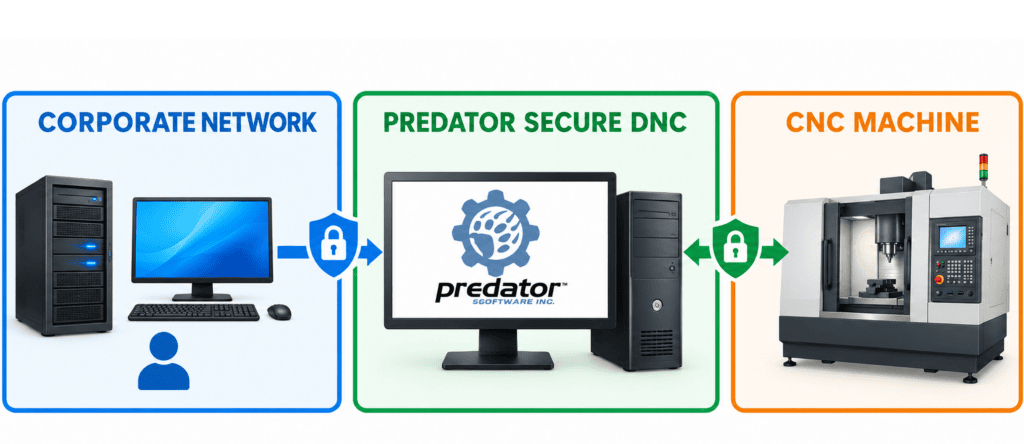
Leadership, boards and customers are asking for stronger security, and IT teams are turning those expectations into corporate policy that applies across the whole business, shop floor included. Your production still depends on proven machines. Predator Secure DNC and SFA helps you meet both goals, using the Ethernet infrastructure you already have. Bring every Windows-based machine on your floor into alignment with corporate IT security policy, without replacing the equipment that keeps you producing.

Deploys Without Disrupting the Machine

Predator Secure DNC was designed to need as little as possible, so your CNCs, CMMs, robots and test stands are not affected by its use.

There is no installer to add requirements. Simply copy one file, add a startup shortcut, run it and test a transfer. With SFA as your manufacturing integrator, expect simplicity:

  • A single 228 KB executable (PSDNC.exe)
  • No DLLs, ActiveX, runtime libraries, .NET, registry entries or INI files
  • No local configuration stored on the machine; settings live in one Predator PXP file on the server
  • Runs in the background with almost no CPU load
  • Local log file automatically capped at 120 KB
  • Automatic recovery after network interruptions, including wireless
  • Updates pushed from the server while the machine keeps running
  • Logs reviewed from the server, with no trip to the shop floor

Supports All Your Machines

 
Equipment types CNC controls include CMM and inspection software includes
Mills Fanuc Open CNC Hexagon PC-DMIS
Lathes Hurco WinMax Zeiss Calypso
EDMs Mazak Mazatrol Nikon CMM-Manager
Lasers Okuma P-Series Mitutoyo MCOSMOS
Waterjets Siemens 840D PolyWorks Inspector
Routers Mitsubishi M700 / M800 Renishaw MODUS
Grinders Fagor 8060 / 8065 / 8070
Punch presses Bosch Rexroth IndraMotion
CMMs Hypertherm EDGE Pro
Tool presetters Sodick
Gages and more
PCBs

Works alongside your Predator tools

Install Predator Secure DNC on the same machine as Touch HMI, Secure HID, DNC Connect or PRemote, and combine it with MDC objects, the VBScript Link and Predator Import Service.

Talk to a Specialist About Secure DNC

Tell us about your machines, operating systems and network, and we’ll map a rollout that fits your IT security policy and keeps production running.

Contact Us

Keep machines off the corporate domain

No domain, workgroup or homegroup membership needed. It works in mixed environments of all three.

Keep machines off the corporate domain

Keep machines off the corporate domain

No domain, workgroup or homegroup membership needed. It works in mixed environments of all three.

Retire shares and FTP on the floor

Retire shares and FTP on the floor

Removes the need for Windows shares, SMB, CIFS, FTP, DNS, WINS, NETBUI and IPX/SPX within shop floor VLANs, WANs and subnets.

Get more from machines you own

Get more from machines you own

Support for Windows 95 through Windows 10 reduces or eliminates the need for Windows upgrades and service packs on CNCs, CMMs, robots and test stands.

Simplify access

Simplify access

No file shares to maintain and no users or passwords to manage on each machine.

Standardize on one application

Standardize on one application

One common application and communication protocol across all your equipment, over wired or wireless Ethernet using standard TCP/IP.

Keep production moving

Keep production moving

No operator or technician interaction required, and no changes to the machine control.

Supports the Windows Versions on Your Floor

 
Client operating systems Server operating systems
Windows 10 Windows 2016 Server
Windows 8 and 8.1 Windows 2012 Server
Windows 7 Windows 2008 Server
Windows Vista Windows 2003 Server
Windows XP Windows 2000 Server
Windows ME Windows NT 4.0 Server
Windows 98
Windows 95

All editions and service packs are supported, including embedded editions.

Smarter File Handling, Built In

The Secure DNC Terminator gives you control over how programs travel to and from each machine.

Many machines at once

Many machines at once

A multi-threaded Terminator communicates with multiple machines simultaneously.

Automatic file renaming

Automatic file renaming

Keep your CAM extensions, such as .TAP or .NC. Predator changes them to what the control needs, like .MIN for Okuma or .EIA for Mazak.

Alternate folders by file type

Alternate folders by file type

Send subprograms, offsets and parameters to their own folders on the machine.

One program in memory

One program in memory

Optionally delete selected file types before a send, so the machine holds only what the current part needs.

Receive entire folders

Receive entire folders

Upload every file a part requires from the machine to the server in one step.

Receive and clear

Receive and clear

Optionally delete files after a successful receive, turning it into a file move.

Large file transfer

Large file transfer

Move 1+ GB files, such as STL files for 3D printing, at roughly 95 seconds per GB. Performance varies with network and Windows version.

Custom processing

Custom processing

Run your own batch files before or after a transfer for collation, compression or parsing.

Many machines at once

Many machines at once

A multi-threaded Terminator communicates with multiple machines simultaneously.

Automatic file renaming

Automatic file renaming

Keep your CAM extensions, such as .TAP or .NC. Predator changes them to what the control needs, like .MIN for Okuma or .EIA for Mazak.

Alternate folders by file type

Alternate folders by file type

Send subprograms, offsets and parameters to their own folders on the machine.

One program in memory

One program in memory

Optionally delete selected file types before a send, so the machine holds only what the current part needs.

Receive entire folders

Receive entire folders

Upload every file a part requires from the machine to the server in one step.

Receive and clear

Receive and clear

Optionally delete files after a successful receive, turning it into a file move.

Large file transfer

Large file transfer

Move 1+ GB files, such as STL files for 3D printing, at roughly 95 seconds per GB. Performance varies with network and Windows version.

Custom processing

Custom processing

Run your own batch files before or after a transfer for collation, compression or parsing.

The Industrial Network to Serve Your Industry

Aerospace/Defense
INDUSTRIES

Aerospace/Defense

  • Support AS9100 and ITAR-aligned workflows
  • Centralize multi-axis and cell-based machining programs
Learn More
Aerospace/Defense
Energy
INDUSTRIES

Energy

  • Support AS9100 and ITAR-aligned workflows
  • Centralize multi-axis and cell-based machining programs
Learn More
Energy
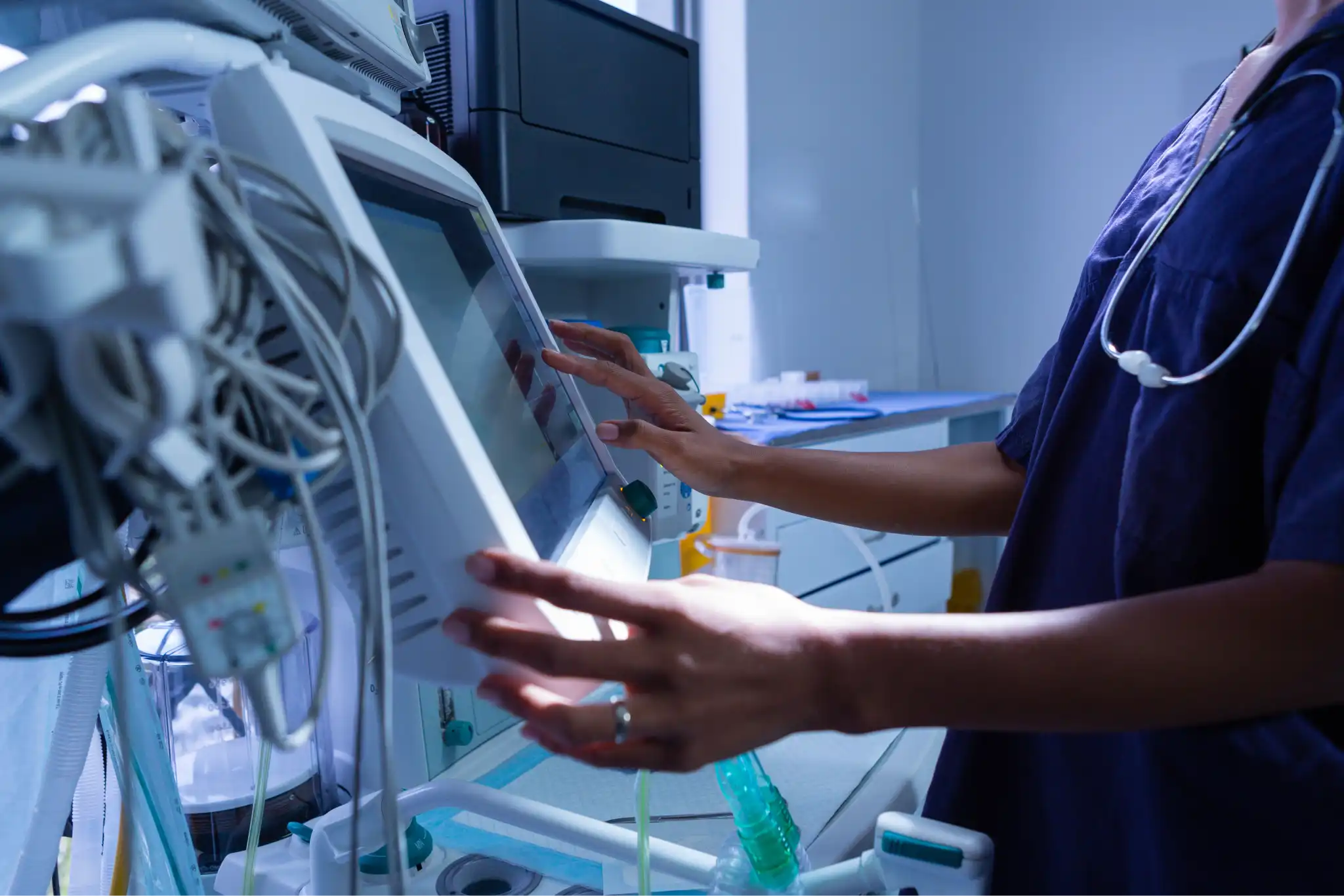
Medical
INDUSTRIES

Medical

  • Support AS9100 and ITAR-aligned workflows
  • Centralize multi-axis and cell-based machining programs
Learn More
Medical
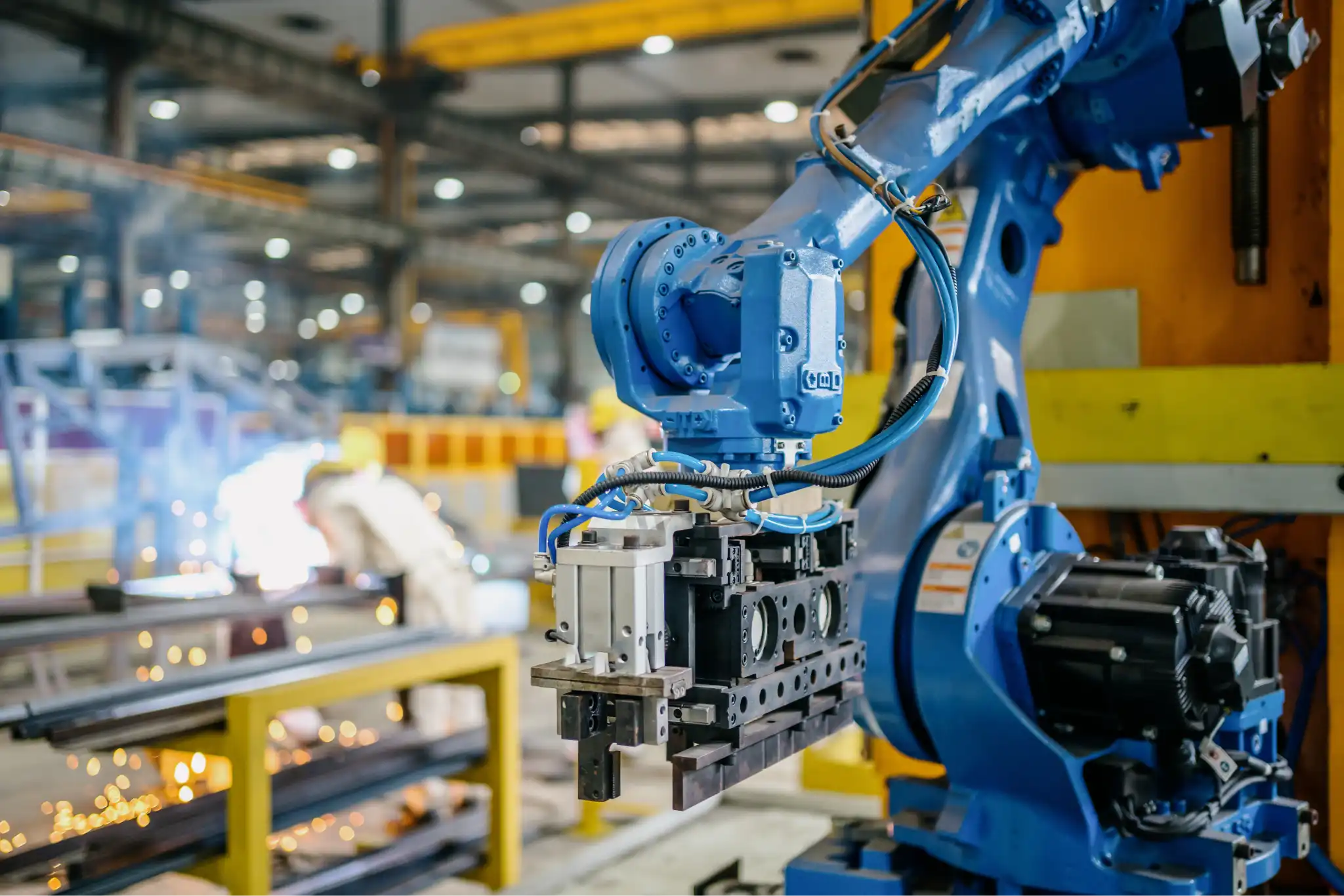
Heavy Equipment
INDUSTRIES

Heavy Equipment

  • Support AS9100 and ITAR-aligned workflows
  • Centralize multi-axis and cell-based machining programs
Learn More
Heavy Equipment
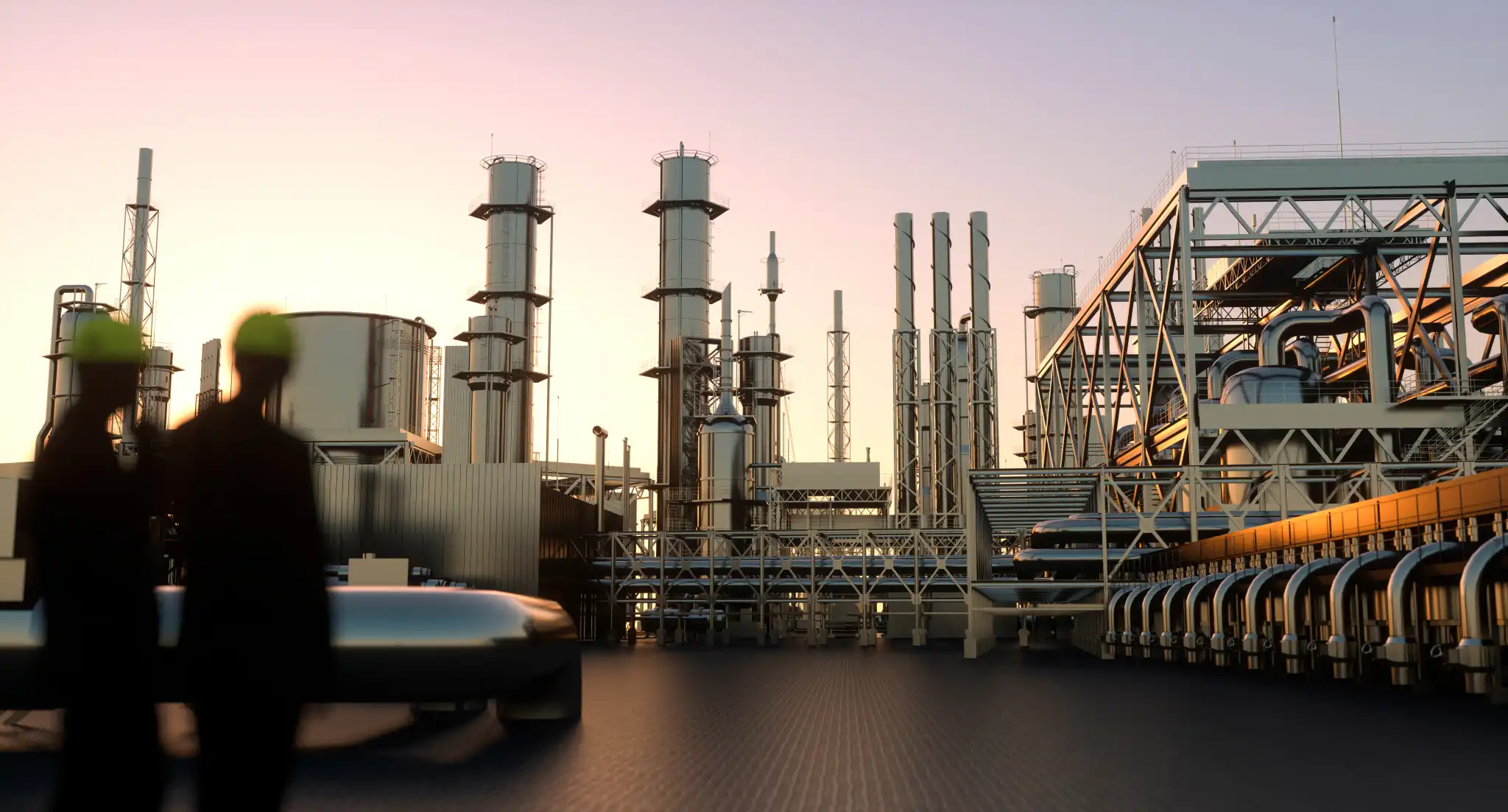
Oil & Gas
INDUSTRIES

Oil & Gas

  • Support AS9100 and ITAR-aligned workflows
  • Centralize multi-axis and cell-based machining programs

Oil & Gas
Oil & Gas
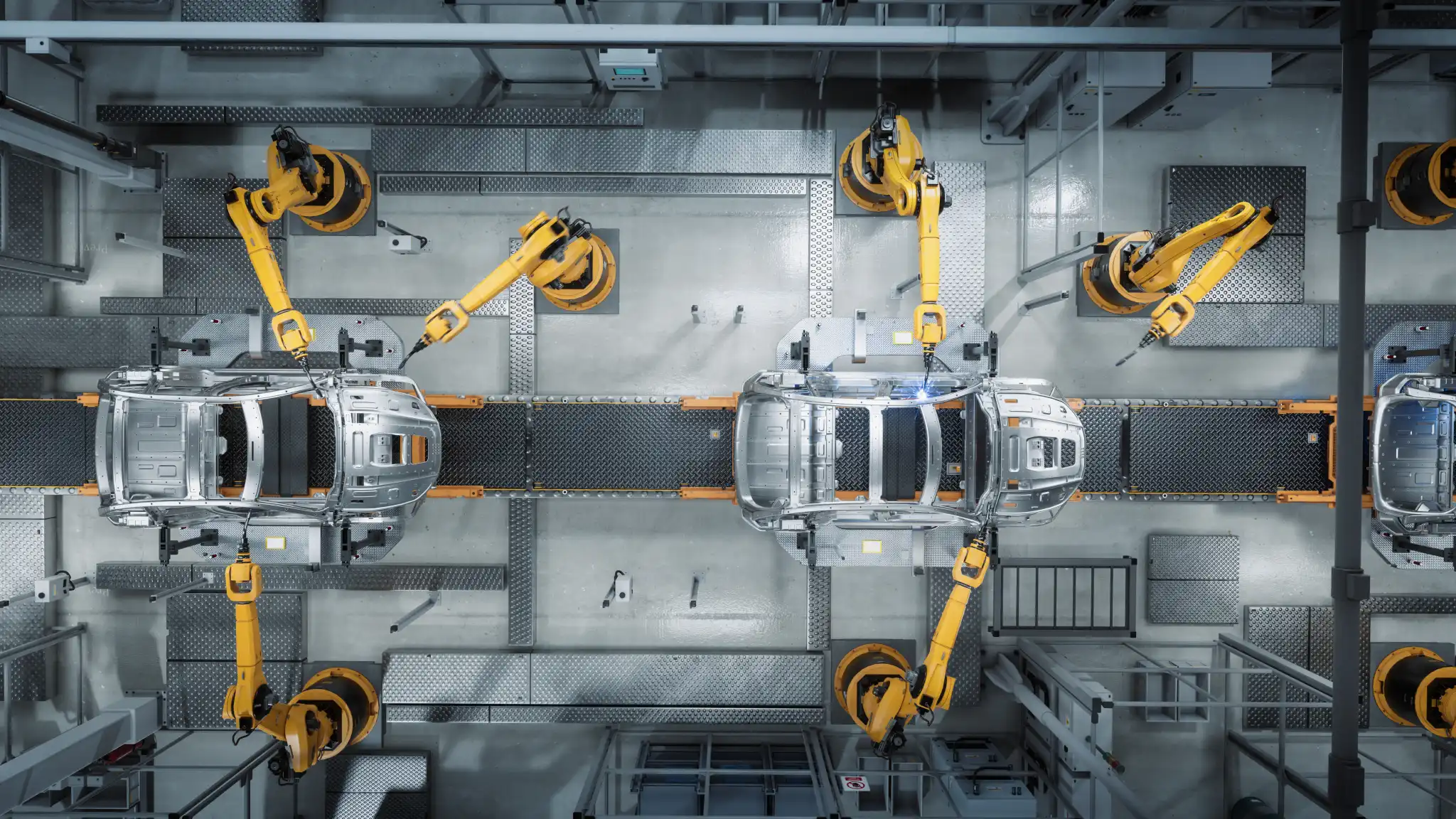
Transportation
INDUSTRIES

Transportation

  • Support AS9100 and ITAR-aligned workflows
  • Centralize multi-axis and cell-based machining programs

Learn More
Transportation

Reduce Downtime, Speed Up Setups and Improve Operational Continuity Across All Your Environments

  • Support AS9100 and ITAR-aligned workflows
  • Centralize multi-axis and cell-based machining programs

Learn More

  • Support AS9100 and ITAR-aligned workflows
  • Centralize multi-axis and cell-based machining programs

Learn More

  • Support AS9100 and ITAR-aligned workflows
  • Centralize multi-axis and cell-based machining programs

Learn More

  • Support AS9100 and ITAR-aligned workflows
  • Centralize multi-axis and cell-based machining programs

Learn More

  • Support AS9100 and ITAR-aligned workflows
  • Centralize multi-axis and cell-based machining programs

Oil & Gas

  • Support AS9100 and ITAR-aligned workflows
  • Centralize multi-axis and cell-based machining programs

Learn More

SFA Methodology

The Shop Floor Automations Process for CNC Connectivity Success

1.

Assessment & Connectivity Review

Your current machines, networks, workflows and goals are reviewed for the creation of a practical implementation roadmap.

2.

Designed Predator DNC Deployment

The unique configuration of Predator DNC is determined based on your CNC mix, operators, engineering workflows, regulatory environment and IT requirements.

3.

Machine Integration & Testing

All legacy and modern equipment is connected, communications are validated and reliable transfers are confirmed.

4.

Documentation, Training & Change Management

You can expect to receive hands-on guidance for your teams to ensure consistent, reliable and productive DNC communications.

5.

The Expert Support You Can Count On

With SFA, you’re embarking on a long-term partnership from a manufacturing integrator that understands both CNC controls and shop floor realities.

1.

Assessment & Connectivity Review

Your current machines, networks, workflows and goals are reviewed for the creation of a practical implementation roadmap.

2.

Designed Predator DNC Deployment

The unique configuration of Predator DNC is determined based on your CNC mix, operators, engineering workflows, regulatory environment and IT requirements.

3.

Machine Integration & Testing

All legacy and modern equipment is connected, communications are validated and reliable transfers are confirmed.

4.

Documentation, Training & Change Management

You can expect to receive hands-on guidance for your teams to ensure consistent, reliable and productive DNC communications.

5.

The Expert Support You Can Count On

With SFA, you’re embarking on a long-term partnership from a manufacturing integrator that understands both CNC controls and shop floor realities.

Experience Predator Secure DNC Now

Connect the machines you own to your network securely, with the controls your IT team expects and no disruption to production.

Contact Us

What our customers say

Google Reviews
Google Rating
4.9 Star

See all our reviews

Read Our Google Reviews
Awesome Company! When I called, they helped me pick the right device based on my machine. They know their stuff! Their support team walked me through the install and set-up process, and helped me troubleshoot through everything. I had fought my machine for 2 weeks trying to get it to connect to my computer. I had a program running in less than 24 hours after receiving my device. I would highly recomend!!
From: Nick Perry See it on Google
Read Our Google Reviews
The Predator Software is working great! I really would like to thank SFA, and especially Amy, for the great phone support. She answered all my questions and was extremely polite, as were the guys in the tech department. Once again, thanks, and if we need anything else, we know who we will be calling!
From: Ted Curvin See it on Google